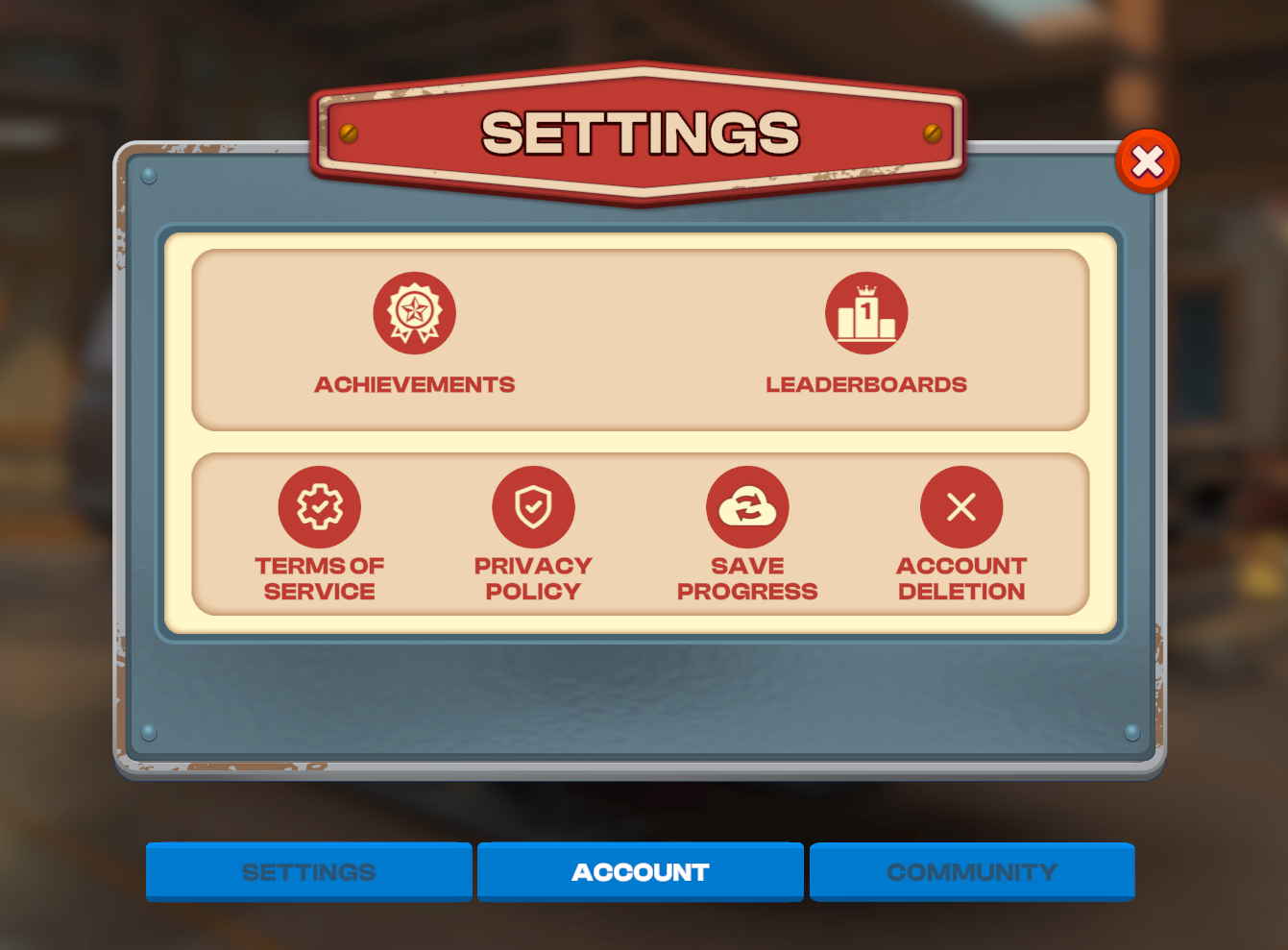
Your progress in the game can be saved with Google Play or Apple Sign In.
In order to save your progress with Google Play or Apple Sign In by going to the Settings screen and then choosing the Account tab. There you can choose to "Save Game" and enter your Google Play or Apple Sign In information. Connecting to either will save your progress and allow you to recover if lost or you change devices.
We encourage you to connect your device to protect your account and back up your data. If your data is lost, please download Matchcreek Motors and follow the same steps from above entering the same information you used to save your game. Please remember to choose "Server Save" if prompted. This will import the lost progress.